Choose the Best PDF Watermark Removal Method
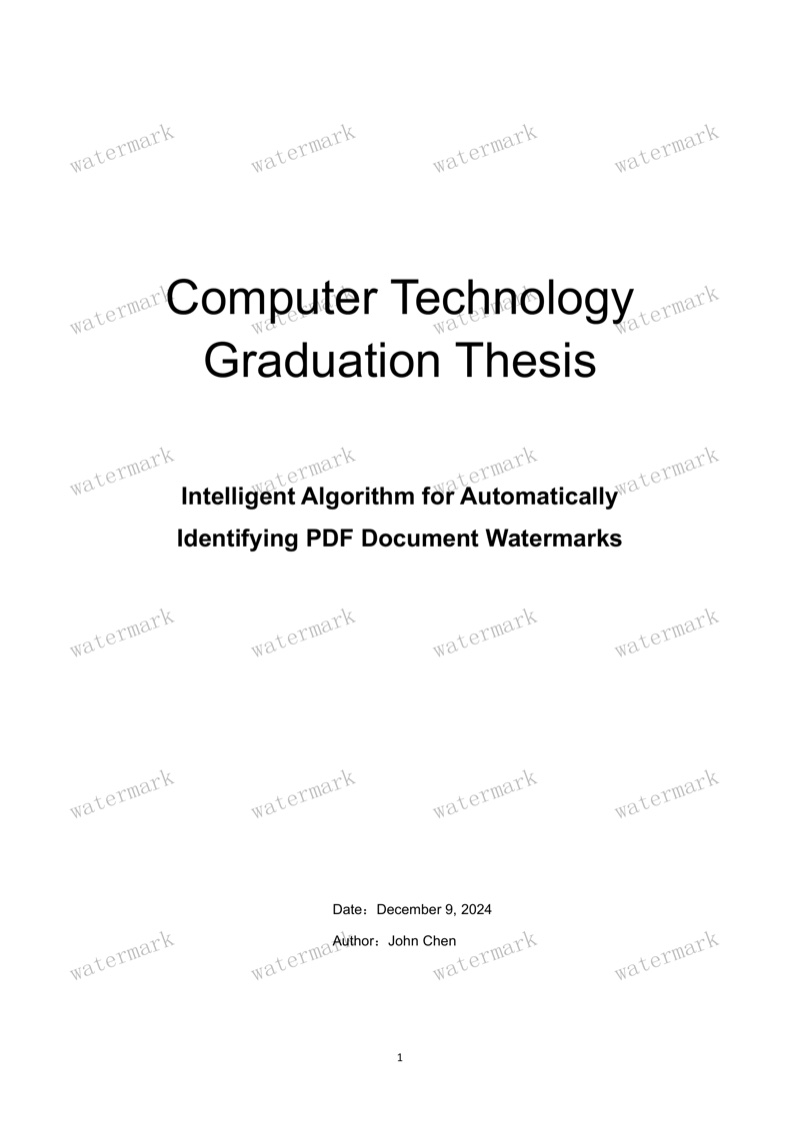
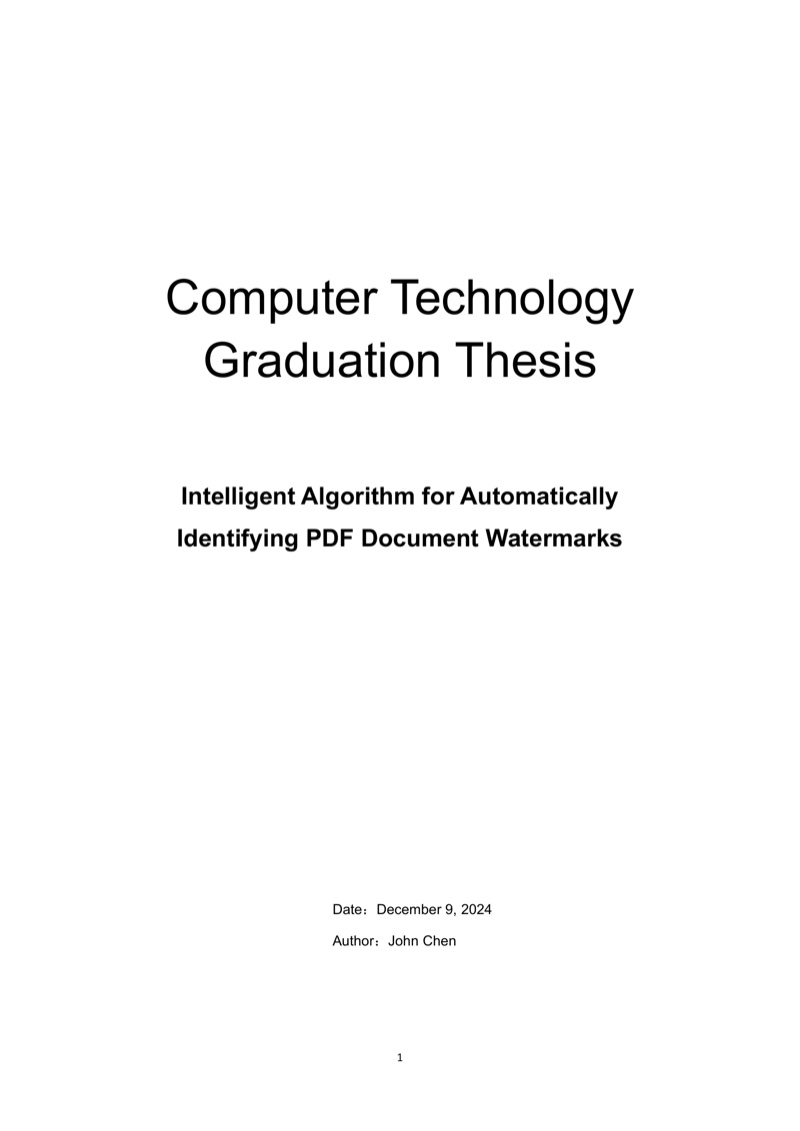
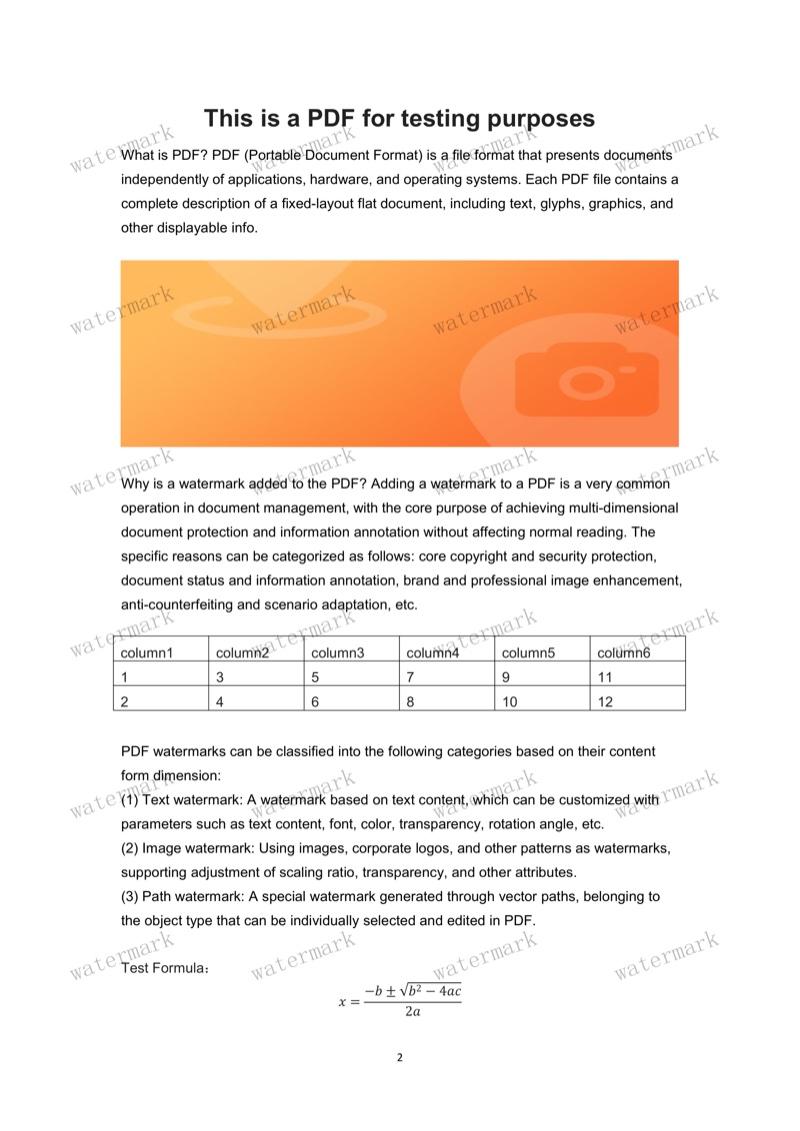
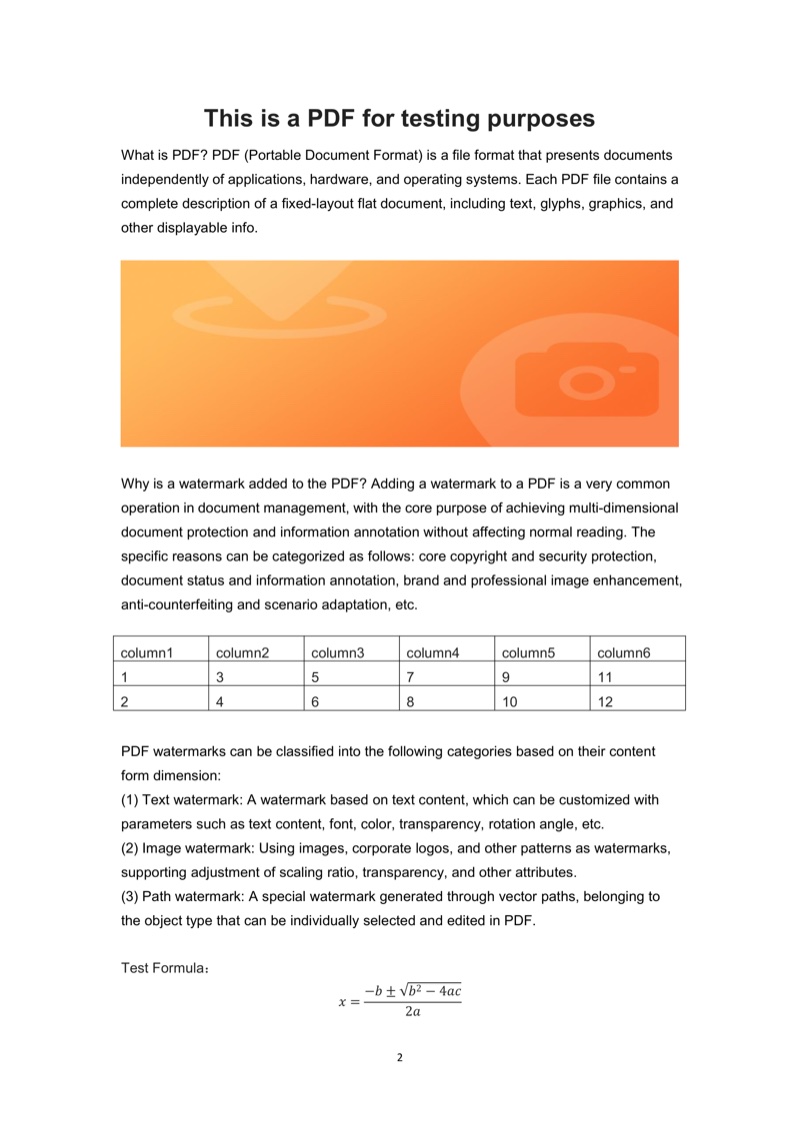
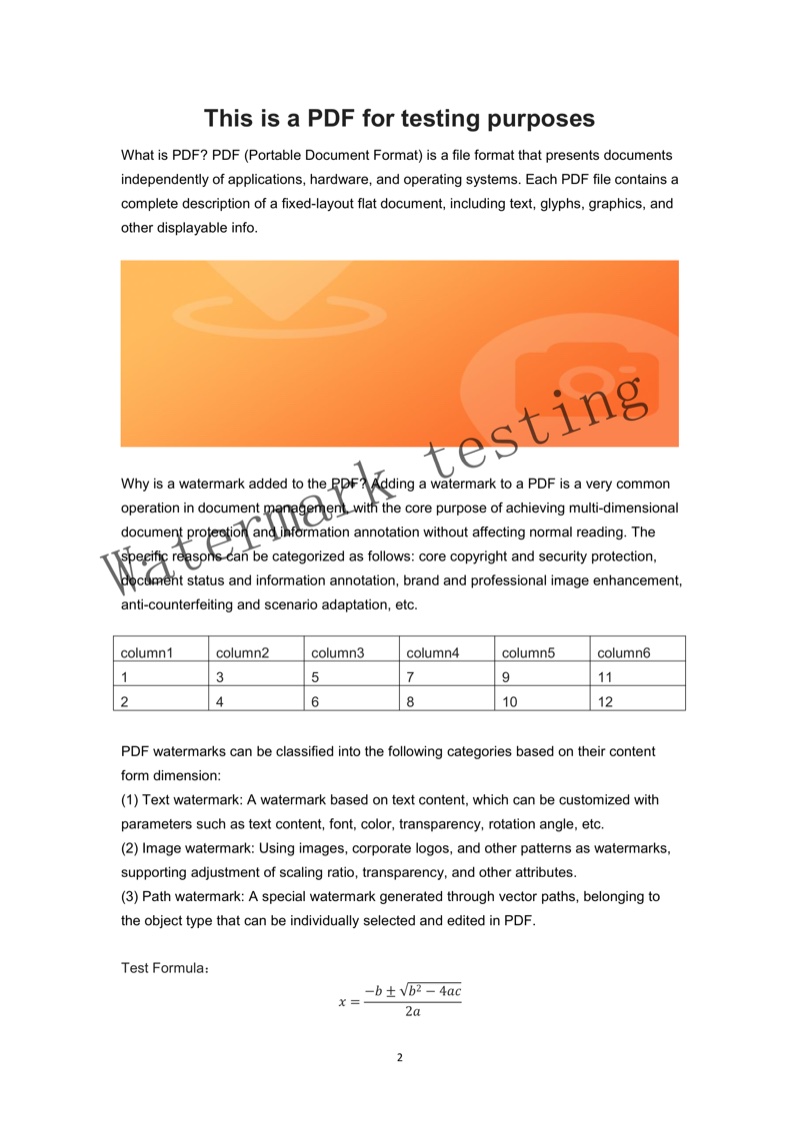
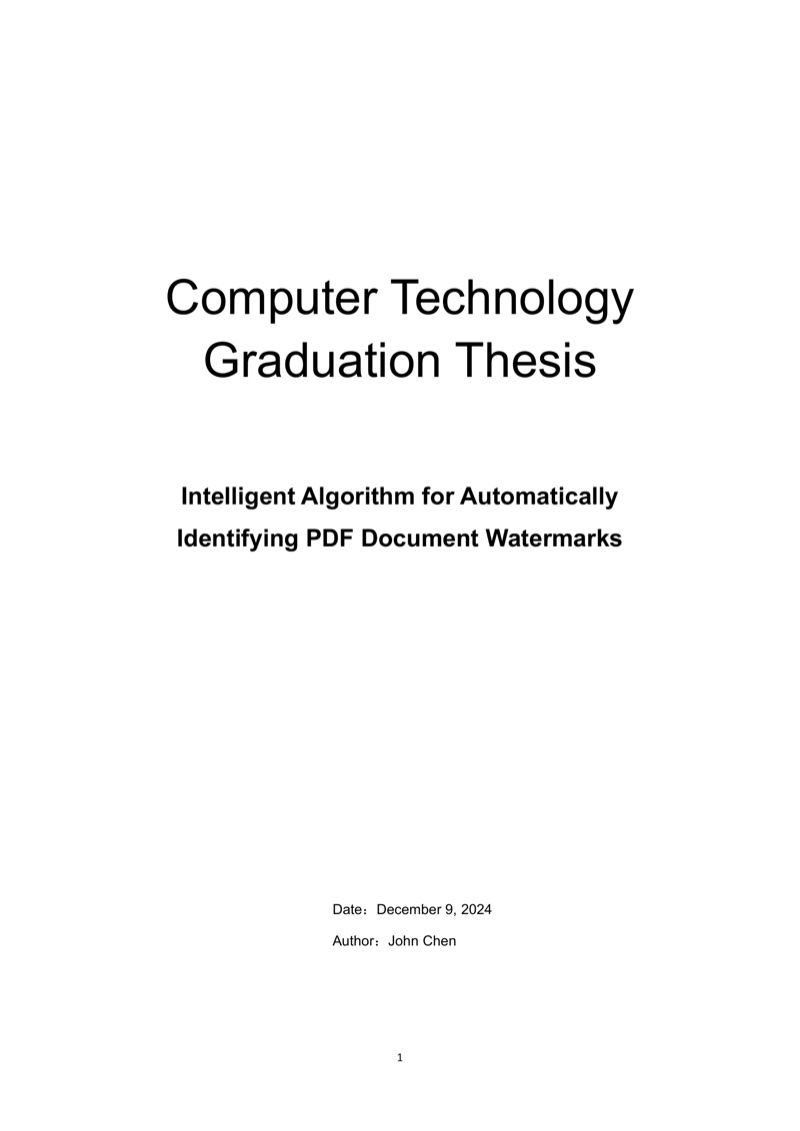
PDF watermarks can be stored as text, images, repeated graphic objects, or light-colored overlays. Choose the method that best matches your document, then preview the result. If it is not clean enough, try another method with the same uploaded file. If you are not sure which watermark type your document uses, you can try all the methods one by one.
Recommended Mixed Removal
Start here for common PDF watermark structures. This method checks several standard watermark patterns and is the best first option for most files.
Graphic and Repeated Watermark Removal
Use these methods for repeated vector shapes, graphic overlays, and watermark elements that appear consistently across pages.
Image Watermark Removal
Designed for PDF watermarks stored as repeated image objects, including some logo and transparent-image overlays.
Light-Color Watermark Removal
Use a color-based method for supported light gray or light-colored watermark elements in standard PDFs.
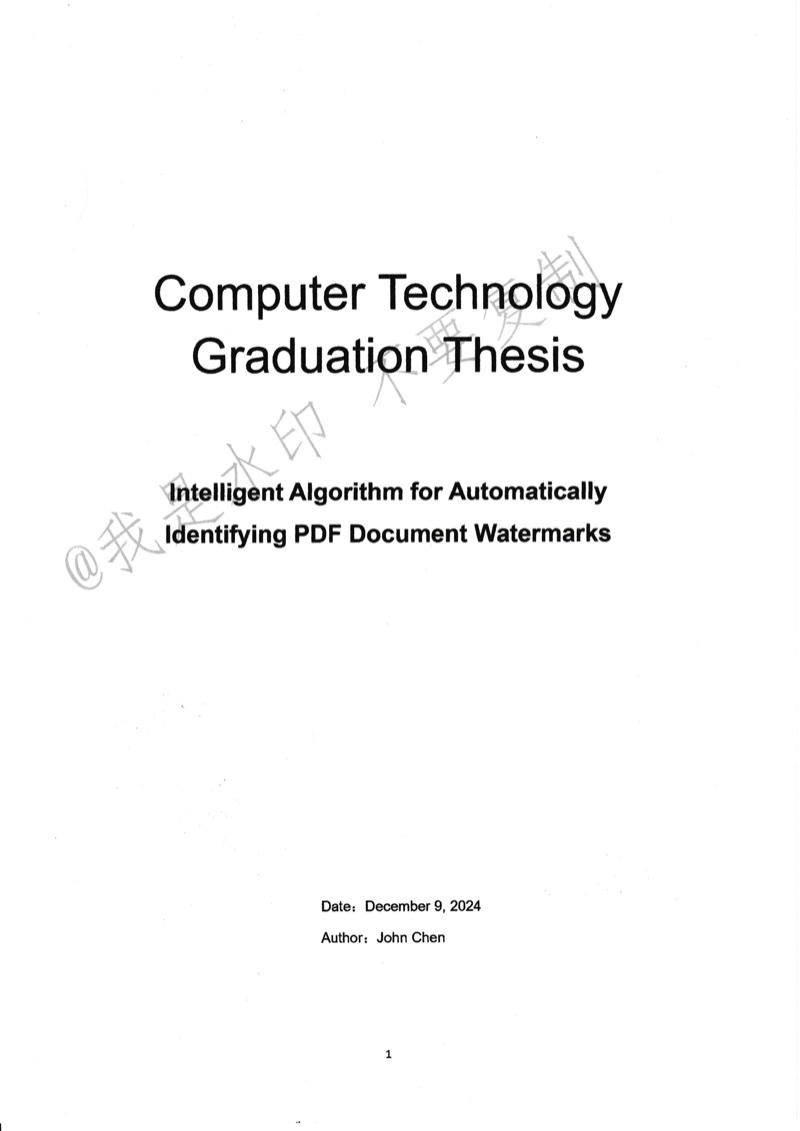
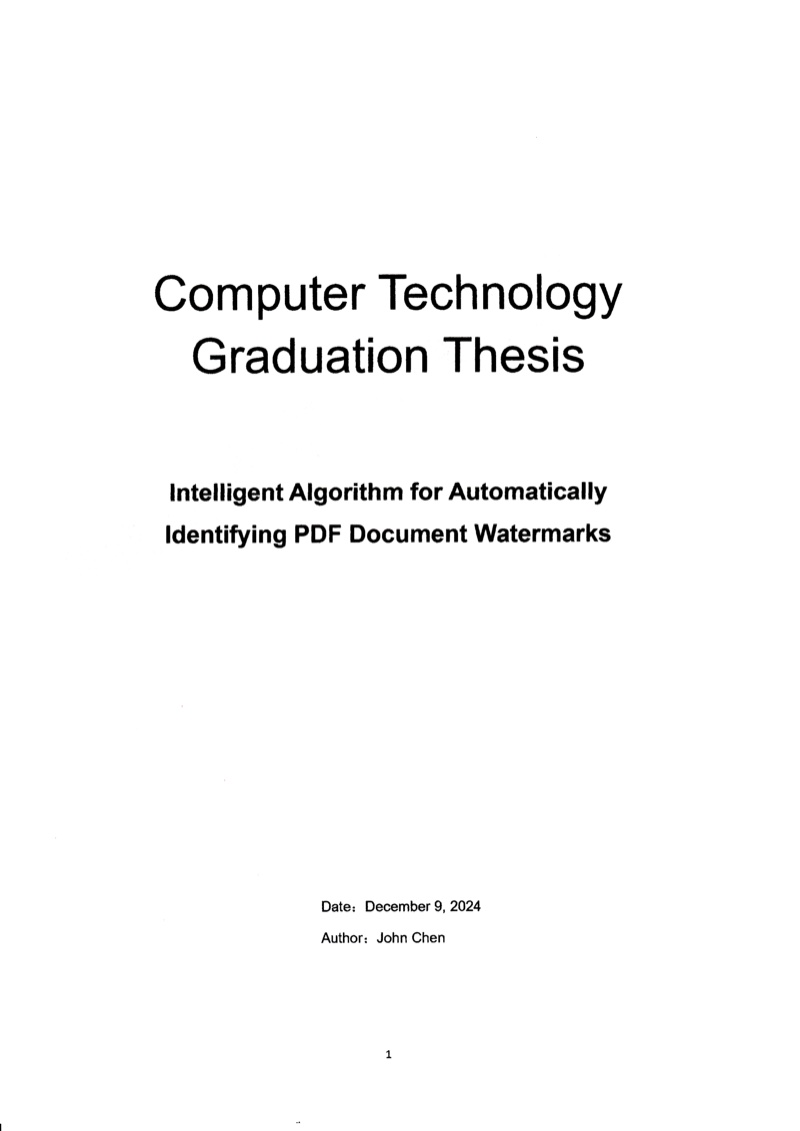
Scanned PDF Watermark Removal
A specialized option for some scanned or image-based PDFs with light watermarks. Results vary when a watermark is flattened into the page image.
What Types of PDF Watermarks Can You Remove?
This PDF watermark remover is designed for supported standard PDF watermark objects, including repeated text or graphic overlays, image-based watermarks, and light-colored elements. Whether a result is possible depends on how the source PDF was created.
Why Different Methods Matter
A watermark that appears the same on screen may be stored very differently in a PDF. One file may use editable objects while another has the watermark embedded in an image. A single method cannot reliably handle every structure, which is why you can choose a different processing approach and preview each result before downloading it.
How PDF Watermarks Work
Text and graphic watermarks
Standard PDFs can contain watermark text, vector shapes, annotations, or reusable form objects. Repeated objects are often easier to identify when they appear in the same form on multiple pages.
Image and scanned watermarks
Image watermarks can be separate PDF objects, while scanned or flattened PDFs may store the watermark as part of the page image. Flattened files need a different approach and may not produce the same result as object-based PDFs.
How We Remove Watermarks: Our Own Algorithms, Not AI
This tool is built on our own rule-based PDF analysis algorithms. We do not use AI recognition, and we never convert your document into an image-based PDF.
Standard PDFs: structure-preserving, lossless text
For standard (non-scanned) PDFs, our algorithms remove watermark objects directly from the PDF structure. The output keeps the original document layout and structure: text stays selectable and searchable, and the original text accuracy is preserved. Some AI-based tools re-render pages into image-based PDFs, which changes the document structure and can distort the pages.
Simple scanned PDFs: pixel-level image processing
For simple scanned watermarks (dark text on a white background with a light watermark), we use a pixel-level color threshold image-processing algorithm (OpenCV): light watermark pixels are faded toward white while dark text pixels are preserved. Because the watermark is part of the page image, the result may show slight quality changes depending on the document.
Complex scanned watermarks: not supported yet
Complex scanned watermarks would require AI processing. Considering user privacy protection and cost, we do not support this at the current stage.
Use This Tool Responsibly
Only remove watermarks from documents you own or are authorized to modify. Watermarks can communicate copyright, ownership, licensing, confidentiality, or document-control information. Review the result before downloading, as removal can affect nearby content in some PDF structures.